> ## Documentation Index
> Fetch the complete documentation index at: https://help.latchel.com/llms.txt
> Use this file to discover all available pages before exploring further.
# Customize Resident Review URL
### **Resident Review URL for Global Settings**
Resident Review URL can be customized within your main company Account Settings which will be inherited by all properties. Here's how you can customize it within your Account Settings.
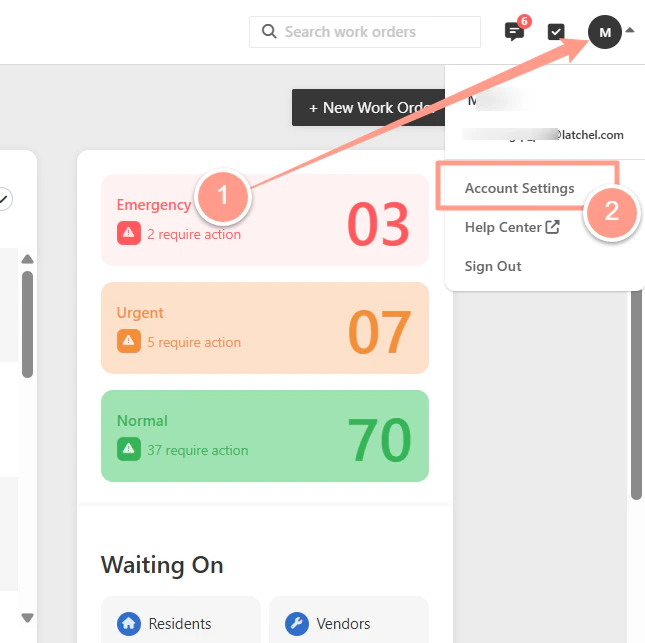
From your dashboard, click your **Account icon** at the upper right hand corner of the page. Then select **Account Settings**.
 In the **Details tab** of your company **Account Settings**, expand **Portal Settings**, then look for **Resident Review URL**. Add your preferred URL then click **Save**.
 ### **Portfolio Resident Review URL**
If your properties are grouped into different portfolios, you can customize the Resident Review URL for each portfolio.
Changes made at the portfolio level override the company settings. Any updates made at the company level will no longer apply to that portfolio.
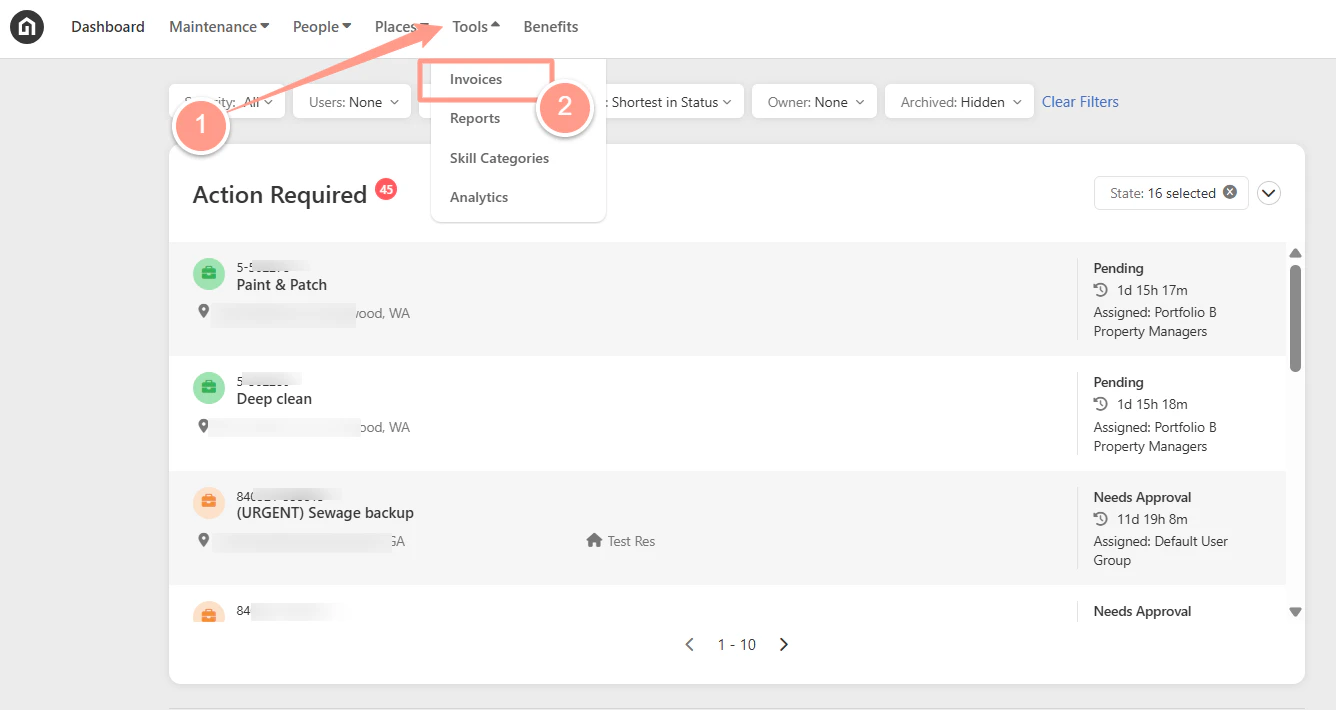
In your dashboard, click **Places** then choose **Portfolios**.
### **Portfolio Resident Review URL**
If your properties are grouped into different portfolios, you can customize the Resident Review URL for each portfolio.
Changes made at the portfolio level override the company settings. Any updates made at the company level will no longer apply to that portfolio.
In your dashboard, click **Places** then choose **Portfolios**.
 **Search for the portfolio** you need to customize the Resident Review URL for. Click the **hyperlinked portfolio name** to open its **Details** tab.
 From the **Details** tab, expand **Portal Settings**. Click **Override**, to customize the Resident Review URL.
 In the **empty box**, **enter** your new Resident Review URL, then click **Save**.
 Once done, you'll notice that the settings indicate **"Overrides Company,"** along with options to **Edit** or **Remove**. If you wish to update or delete the custom URL, you can use either of these options.
Use **Edit** to update, or **Remove** if you'd like the portfolio to inherit the Resident Review URL from the global account settings.
Once done, you'll notice that the settings indicate **"Overrides Company,"** along with options to **Edit** or **Remove**. If you wish to update or delete the custom URL, you can use either of these options.
Use **Edit** to update, or **Remove** if you'd like the portfolio to inherit the Resident Review URL from the global account settings.
 Only residents who are assigned to and active on properties within the portfolio can access the customized Resident Review URL for that portfolio.
And that's how easy you can customize your Resident Review URL!
Only residents who are assigned to and active on properties within the portfolio can access the customized Resident Review URL for that portfolio.
And that's how easy you can customize your Resident Review URL!