> ## Documentation Index
> Fetch the complete documentation index at: https://help.latchel.com/llms.txt
> Use this file to discover all available pages before exploring further.
# How to Add a Property
> If you do not have a system integration in place, it’s important to know how to add new properties directly through the Latchel portal. Follow these steps to add a new property.
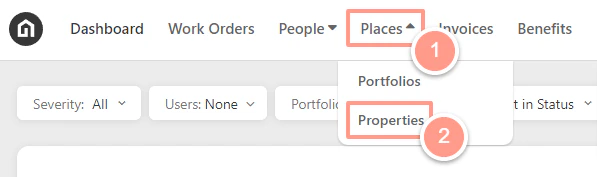
On the upper left-hand side of your dashboard, click **Places** then **Properties.**
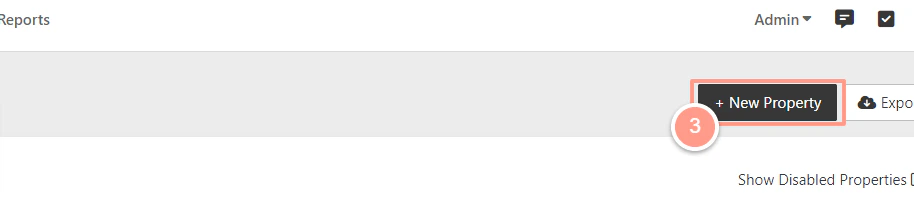
 On the upper right-hand side of the screen, click **New Property.**
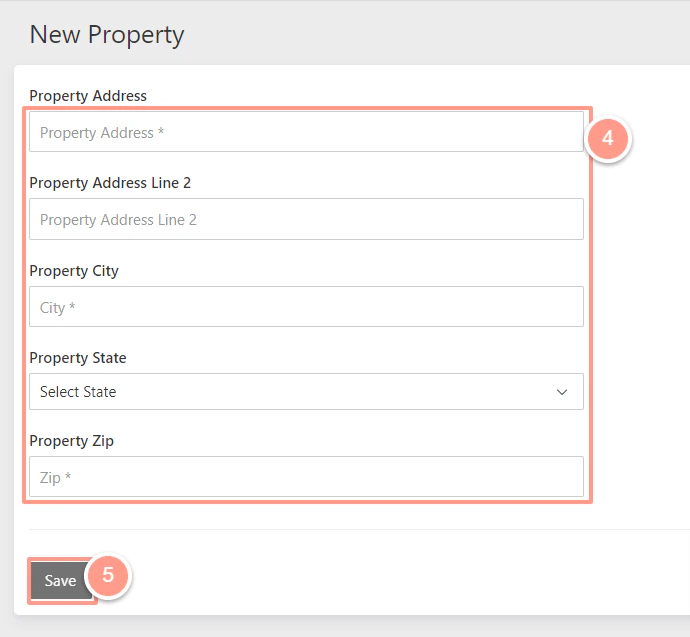
 Enter the property details & click **Save!**