> ## Documentation Index
> Fetch the complete documentation index at: https://help.latchel.com/llms.txt
> Use this file to discover all available pages before exploring further.
# How to Reopen a Work Order
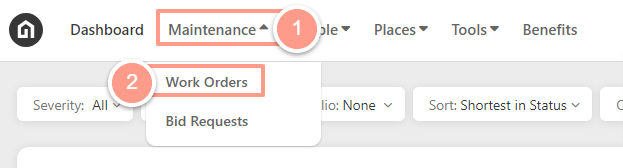
> To access the work order page, click the **Maintenance** drop-down from your dashboard and hit **Work Order**.
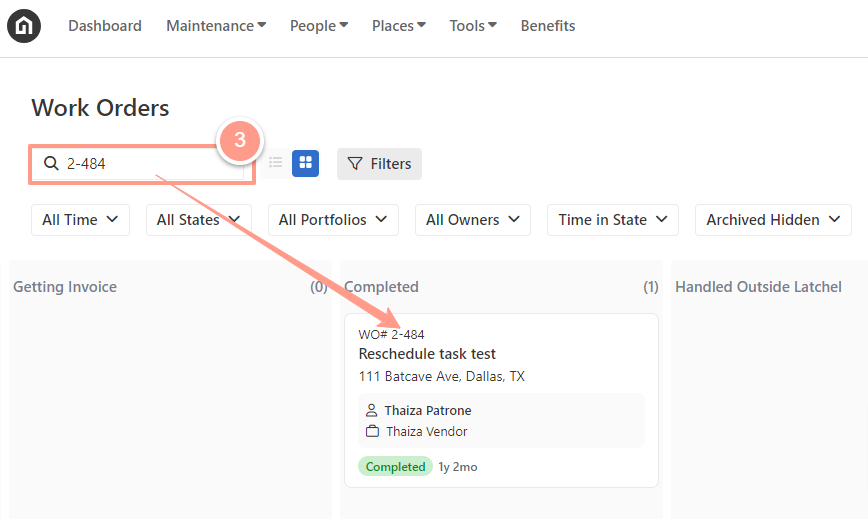
 From the work order page, **Search** for the completed work order that you want to reopen.
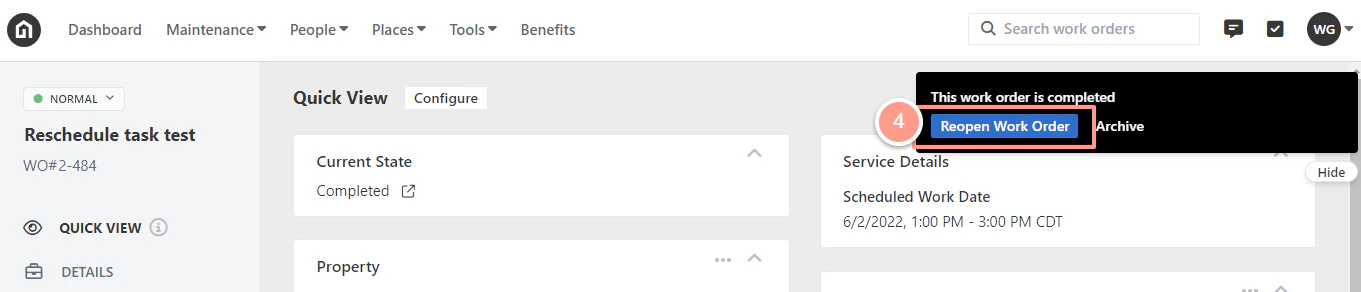
 Once you are on the work order page, just click the **Reopen Work Order** option in the notification located in the right-hand corner of the page.
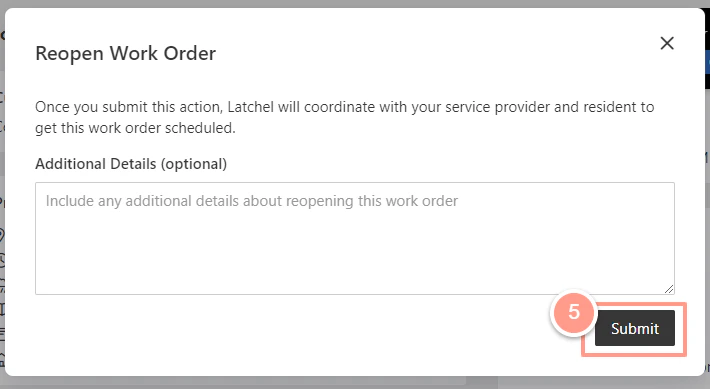
 Then a pop-up window will appear, from there you can add some additional details or just hit **Submit** and you're done.
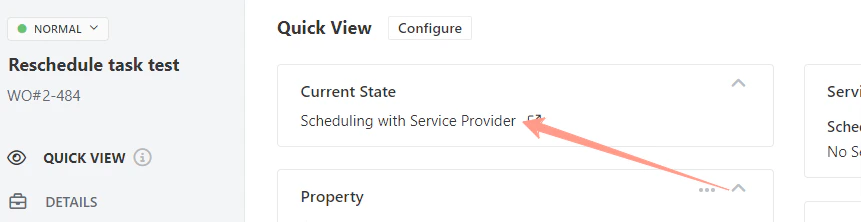
 After initiating the work order update, you can verify its status to confirm the changes. The work order will now move to **Rescheduling Resident** or **Scheduling Service Provider** status.