> ## Documentation Index
> Fetch the complete documentation index at: https://help.latchel.com/llms.txt
> Use this file to discover all available pages before exploring further.
# How to Sync Work Order Attachments from Latchel to PropertyWare
> We recently developed a new feature to conduct a work order attachment sync from Latchel to Propertyware! Here's how!
### **Feature Summary**
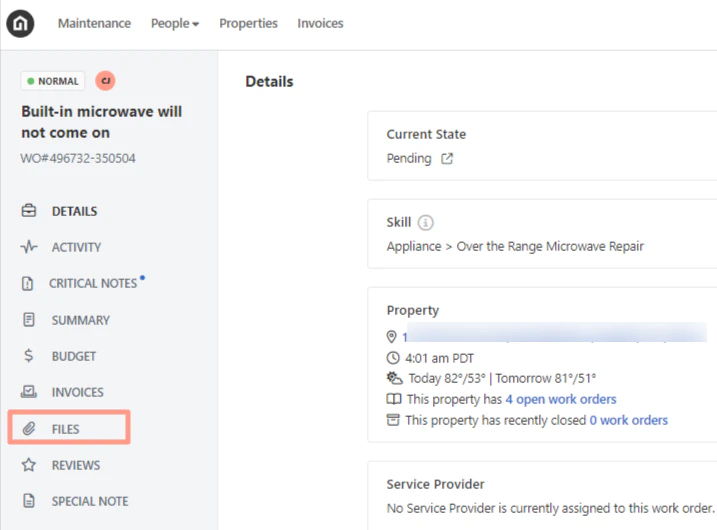
The attachments that are shown in the File section of the Latchel work order page can be synced to the Notes & Docs section of the PropetyWare work order page.
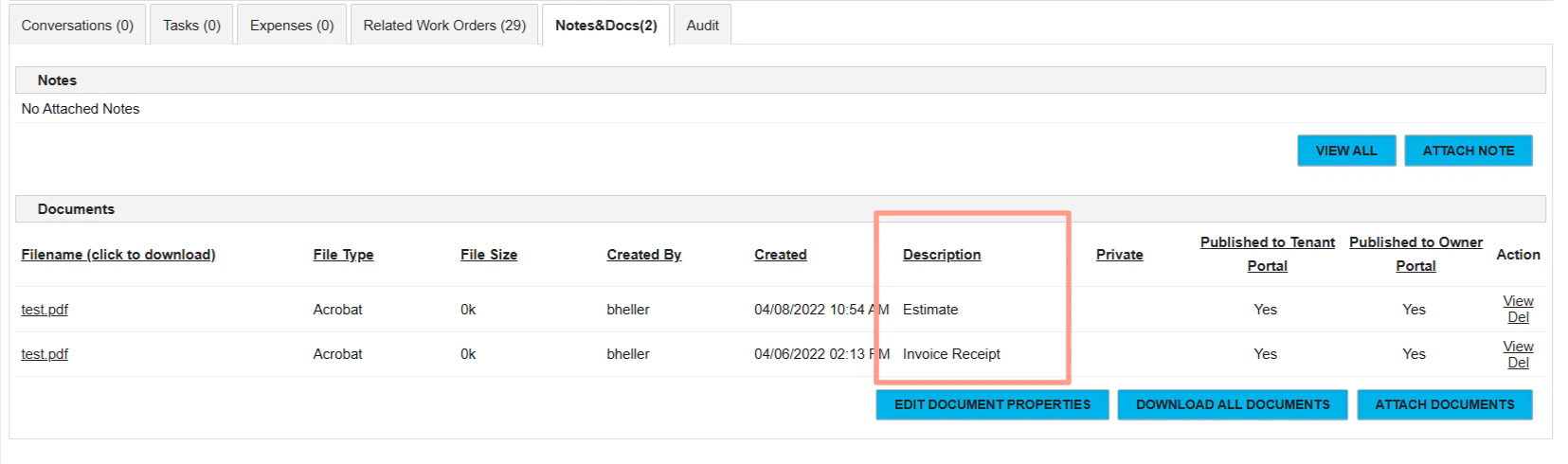
 The file classification content can be also synced to PropertyWare and presented in the **Description field** of the file record. The available classification to sync includes:
* Miscellaneous
* Work Order
* Before Image
* After Image
* Image Receipt
* Estimate
* Invoice (the invoice file, not the invoice receipt)
* Null (no classification is assigned o the file)
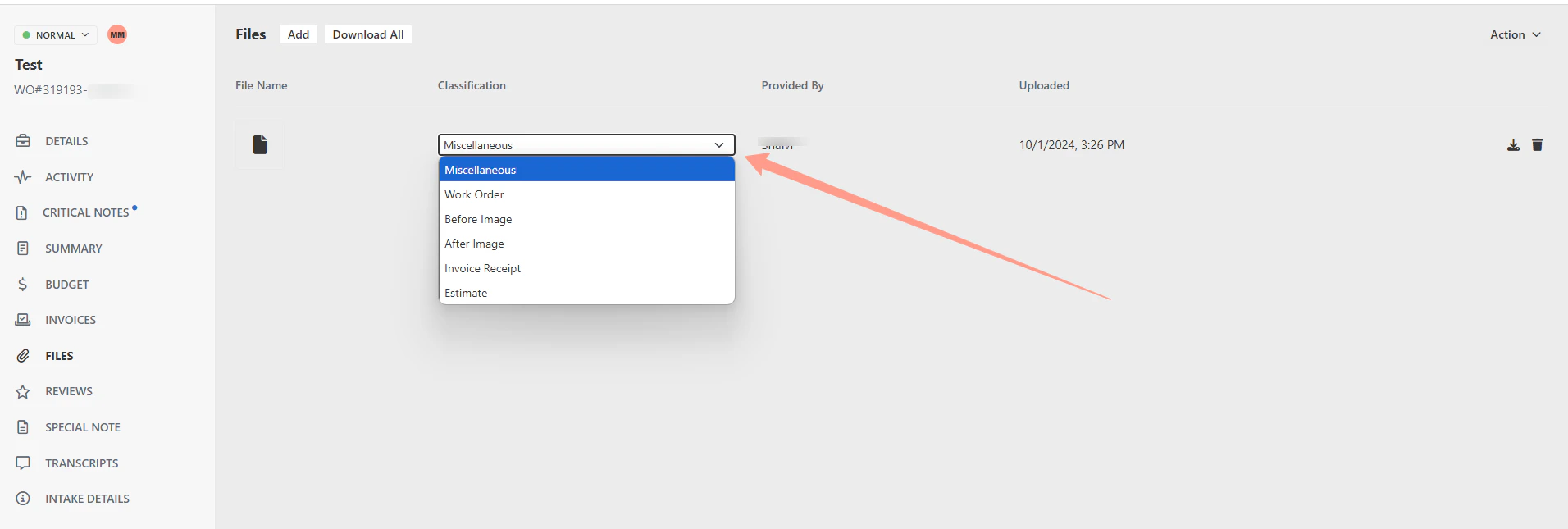
The file classification content can be also synced to PropertyWare and presented in the **Description field** of the file record. The available classification to sync includes:
* Miscellaneous
* Work Order
* Before Image
* After Image
* Image Receipt
* Estimate
* Invoice (the invoice file, not the invoice receipt)
* Null (no classification is assigned o the file)
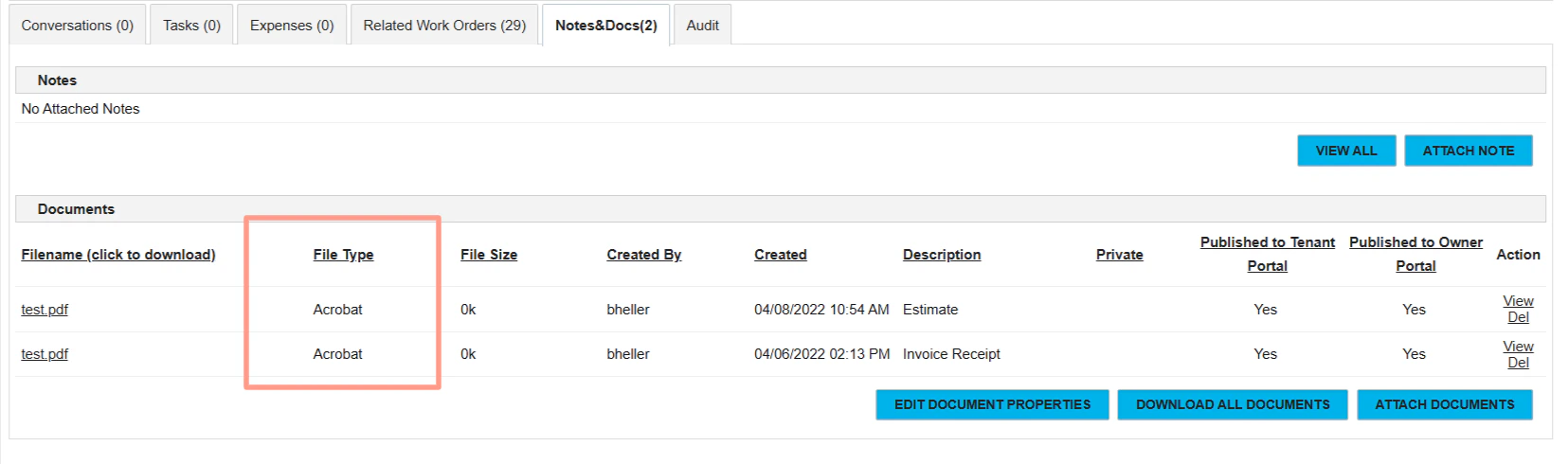
 There is no limitation to the file format for the sync. However, PropertyWare might use an alternative name to present the file format while Latchel portal doesn't show anymore what type of File has been uploaded.
 Synchronization of photos will be triggered when the work order is moved to any state in Latchel.