> ## Documentation Index
> Fetch the complete documentation index at: https://help.latchel.com/llms.txt
> Use this file to discover all available pages before exploring further.
# Rent Manager Integration Troubleshooting
> If you’re running into issues with the Rent Manager integration, this guide is here to help. Below, you’ll find common problems users encounter and the steps to resolve them—so you can quickly get everything back in sync and running smoothly. Whether it's syncing issues, data mismatches, or setup concerns, we’ve got you covered.
### **Missing Properties & Residents in Latchel**
Give the Latchel user the permissions to the property. Do this by first going to the user’s management screen located in the setup menu on the **Admin** tab.
 Select the ************Latchel Integration User, and make sure it isActive.************
 Check that this Latchel user has access to the location(s) we intend to service. Go to **My Integrations**. Look for **Latchel**, then click **Settings**. Check that this Latchel user has access to **All Locations** and ****All Properties. Then clickSave.****
 Alternatively, if you only want us to receive certain properties, select the properties we are intended to service. You will not want to click **All Properties** if that is the case.
 If only a certain property is missing, check that the property in Rent Manager is set to **Active**.
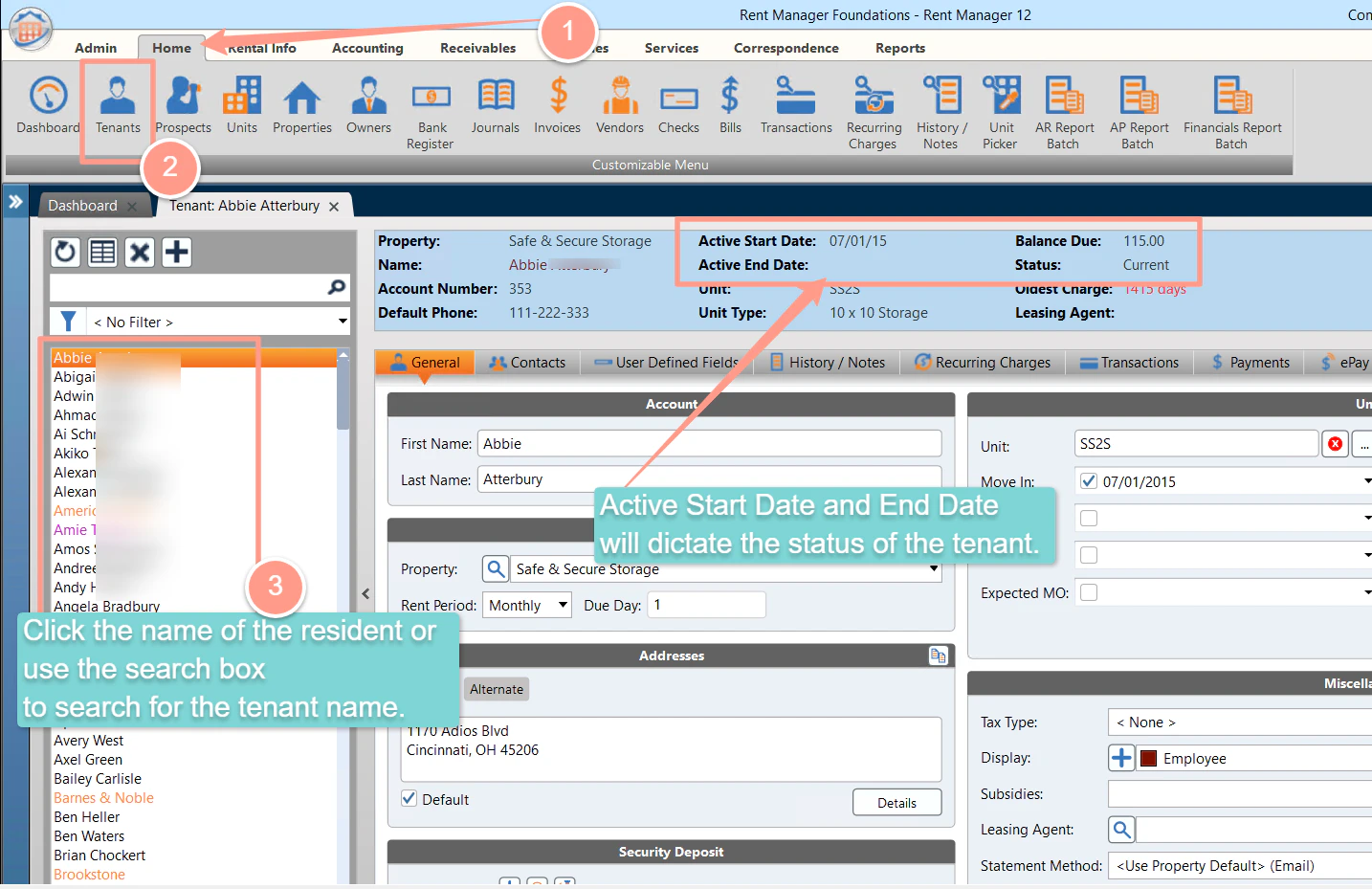
 If a certain resident is missing, check if the resident in Rent Manager is **Active**.
 In addition, residents will only be synced to Latchel if the **“Show on Statement/Label”** checkbox is checked (see example below). You can use this checkbox to control which residents sync to Latchel.
 ### **Missing Work Orders In Latchel**
Make sure you assign the **\[Latchel] Maintenance Category** to the Rent Manager Service Issue you wish to send to Latchel.
### **Missing Work Orders In Latchel**
Make sure you assign the **\[Latchel] Maintenance Category** to the Rent Manager Service Issue you wish to send to Latchel.
 Check that there is a **property** or **unit** assigned to the Service Issue in Rent Manager.
 If the Service Issue in Rent Manager is assigned to a building with multiple units, it is required to assign the **unit** versus the property in order for it to sync to Latchel successfully.
If you are still experiencing issues, please reach out to [success@latchel.com](mailto:success@latchel.com) for further assistance.
If the Service Issue in Rent Manager is assigned to a building with multiple units, it is required to assign the **unit** versus the property in order for it to sync to Latchel successfully.
If you are still experiencing issues, please reach out to [success@latchel.com](mailto:success@latchel.com) for further assistance.