> ## Documentation Index
> Fetch the complete documentation index at: https://help.latchel.com/llms.txt
> Use this file to discover all available pages before exploring further.
# Set Up Non-Emergency Schedule
> This setting allows you to control whether residents can request non-emergency appointments during evening hours. Use it to enforce company-wide scheduling preferences and ensure appointments align with your team’s availability.
Here's how you can set this up.
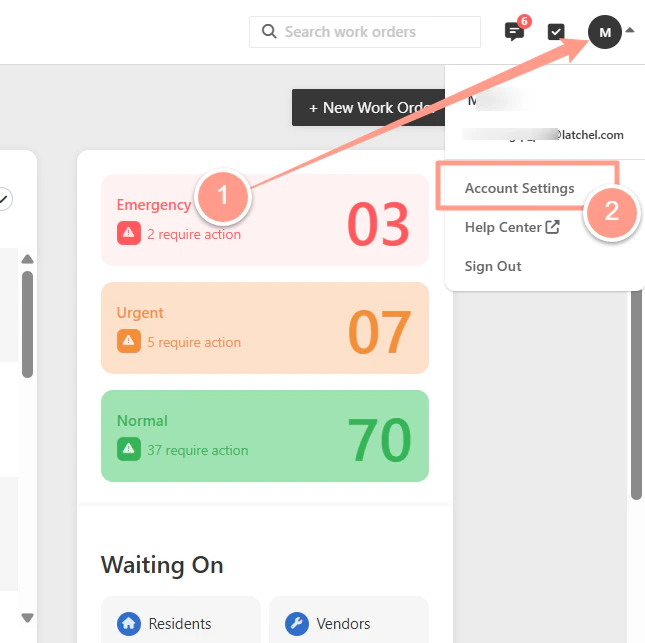
Log in to your Latchel Dashboard, then go to **Account Settings**.
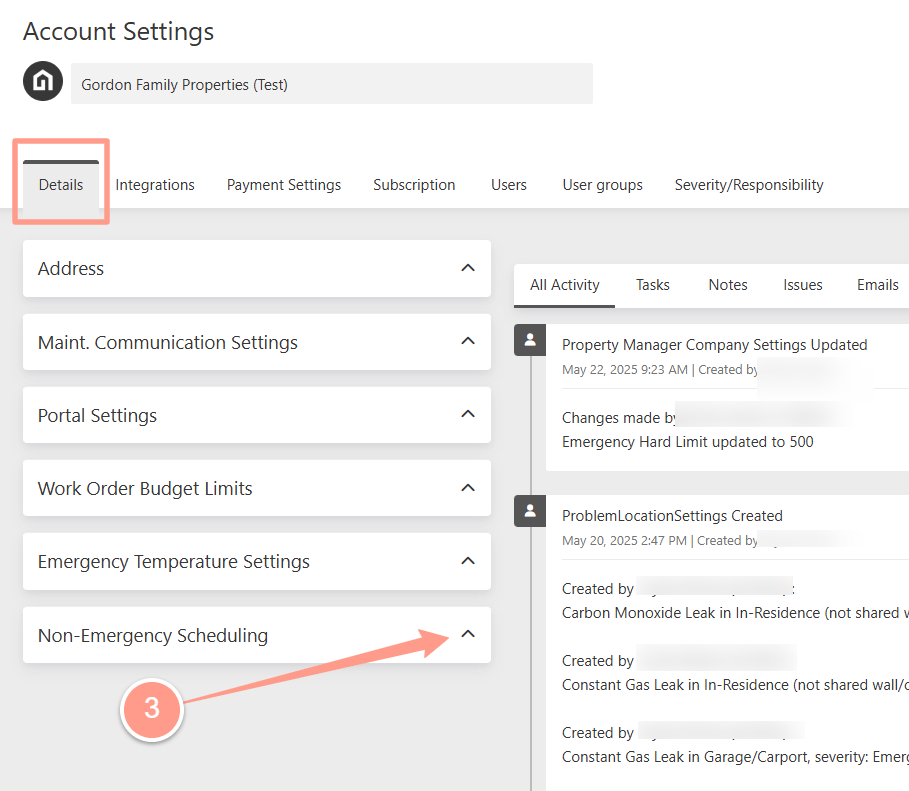
 On the **Details** tab, look for **Non-Emergency Scheduling**, then expand the section.
 **Toggle** the switch to the **right**; it will turn blue. Then, click **Save** to complete.
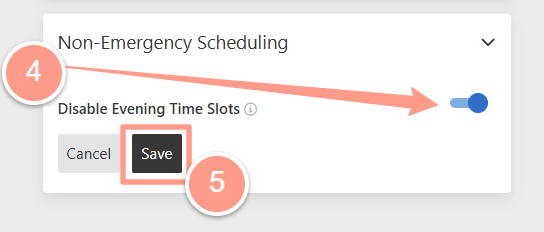 Turning this toggle on will prevent residents from adding evening availability across the company.