
New Features
Smarter Intake for On-Call Alerts + What’s Next We’ve made an update to Intake to create a faster, more seamless experience for both residents and your team—especially when urgent issues arise.What’s New:On-Call Alerts have fewer intake questions for residents.
Why This Matters:
- Faster, smoother resident experience
When a request will result in your on-call team member being immediately notified, we remove unnecessary questions so residents can submit requests quickly and get help faster.
- Noise complaints
- Smoking violations
- Security concerns
- On-site safety or management issues
- A step toward Generic Intake (Coming Soon)
This update is part of a larger evolution of Intake. We’re actively building Generic Intake and an AI-powered phone intake system, which will allow Latchel to:
- Intake and route non-maintenance requests
- Handle scenarios such as:
- Leasing questions
- Owner inquiries (e.g., hiring a property manager)
- General property-related requests
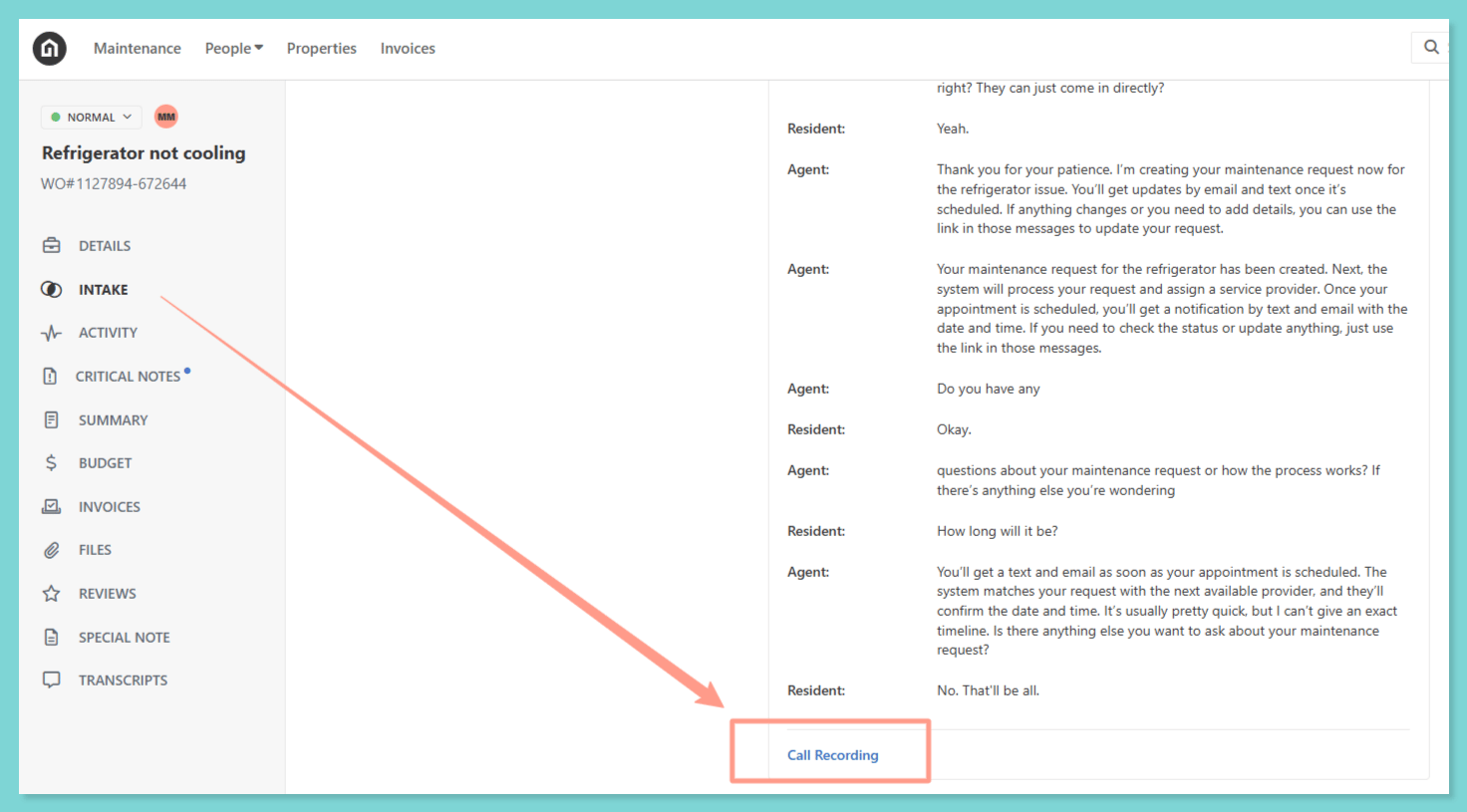
If you’d like early access, please fill out this form!
Resolved Bugs
Invoice Email Link Redirect Error Some property managers experienced an issue when clicking “Review Invoice” from invoice notification emails redirected to a “Not Found” error page. We identified and resolved the issue, and invoice links now correctly direct users to the associated invoice!Key Ops Process Changes
Budget Handling for Work Orders We’ve introduced updates to how budget-related scenarios are handled to ensure faster dispatch, fewer delays, and clearer communication with your team. We’ve standardized how work orders are handled when:- A hard budget limit is set to $1.
- The approved estimate amount does not match the hard budget limit on the work order.
What to Expect:If a $1 budget is set:Our team will still attempt to dispatch the work order. However, most service providers will be unable to accept work under a $1 NTE.If no provider can accept due to budget constraints:
- For emergency issues, we will attempt to contact your emergency escalation contact.
- If we’re unable to reach them, or for non-emergency issues, we will follow up with your team for next steps.
What this means for you:Review your budget limit settings and ensure approved amounts match the work order budget. Setting realistic budgets helps us dispatch faster and avoid delays in resolving issues.
How to Customize Work Order Budget Limits
Adjust the budget threshold that triggers approval requirement on work orders.