How to Confirm a Work Order Is Complete
Go to your resident dashboard
First, navigate to your resident dashboard by following the steps in the help guide:
Resident Dashboard Overview
Open your dashboard and see where each of your maintenance requests stands.
Select the work order
From your dashboard, select the work order you want to complete.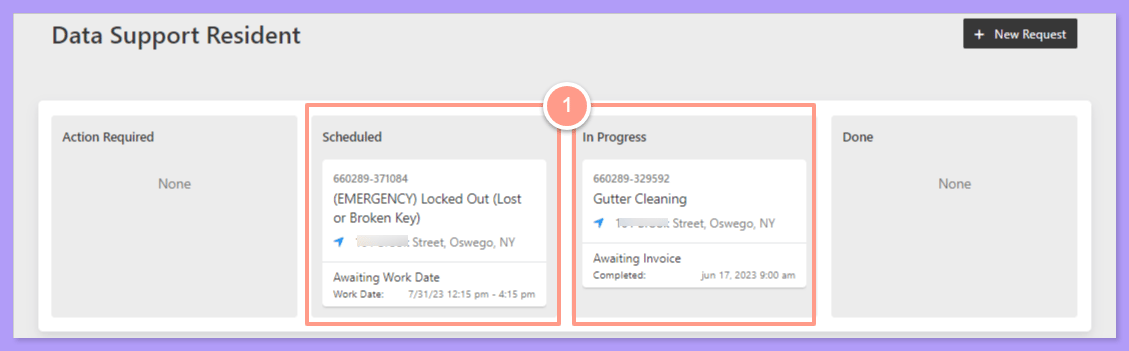
Click Provide Work Order Update
In the work order details page, click Provide Work Order Update.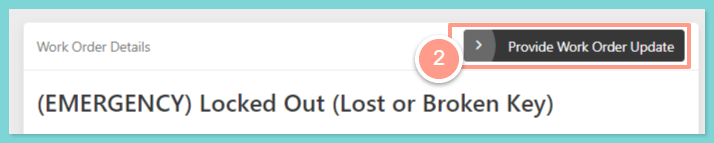
Select Mark Request as Completed
Then select Mark Request as Completed.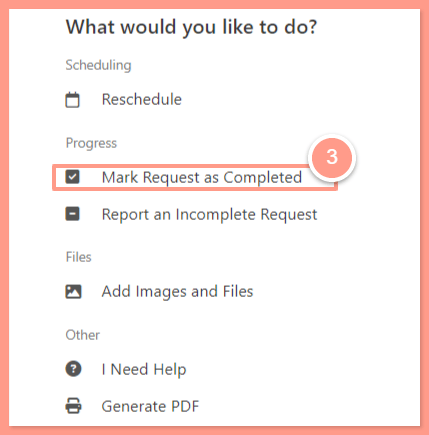
Choose Yes, it's done
Next, choose Yes, it’s done if your maintenance request is well taken care of.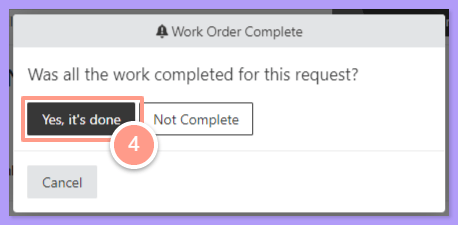
Confirm who fixed the issue
Afterwards, confirm if the issue was fixed by a service provider, or by yourself.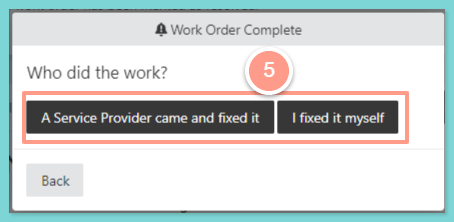
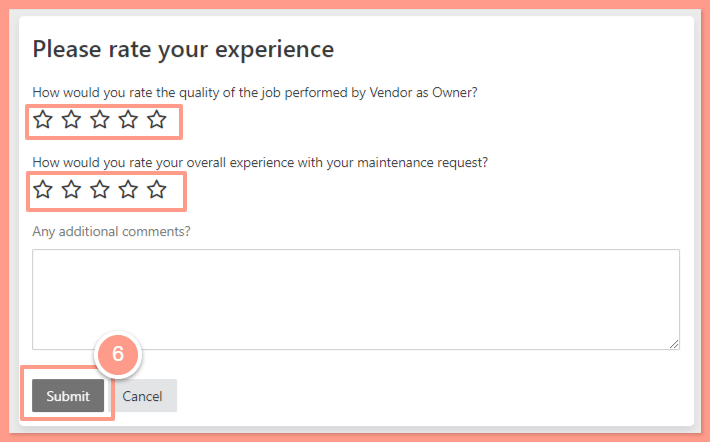
Rate your experience and submit
Once confirmed, please rate your experience, or leave any additional comments. Finally, click Submit.