How to Generate Work Order Details
Go to your resident dashboard
First, navigate to your resident dashboard by following the steps in the help guide:
Resident Dashboard Overview
Open your dashboard and see where each of your maintenance requests stands.
Select the work order
From your dashboard, select the work order you’d like to generate details for.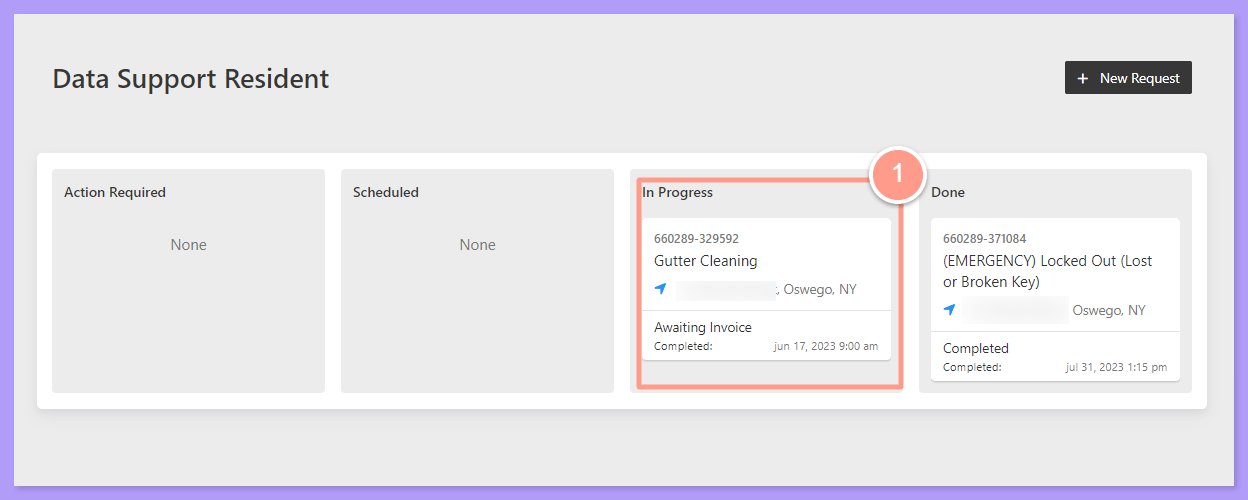
Click Provide Work Order Update
Then, on the Work Order Details page, click Provide Work Order Update.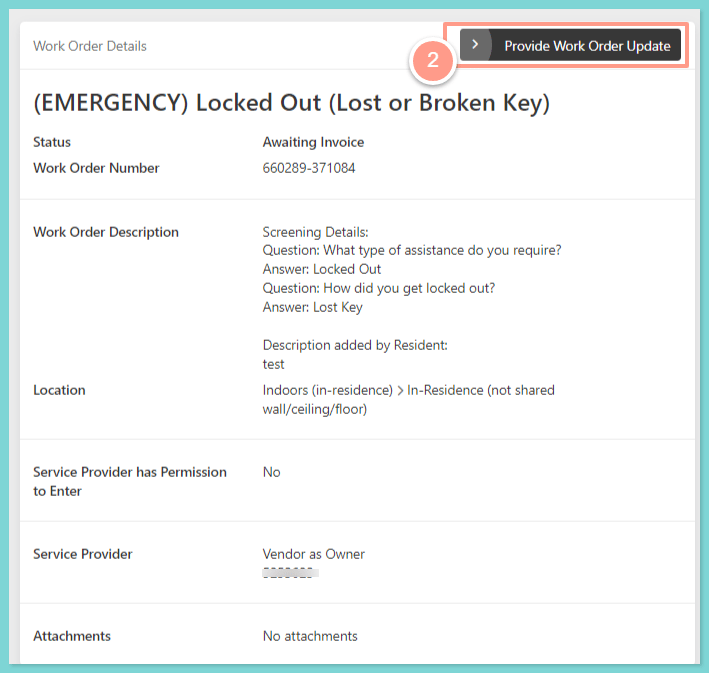
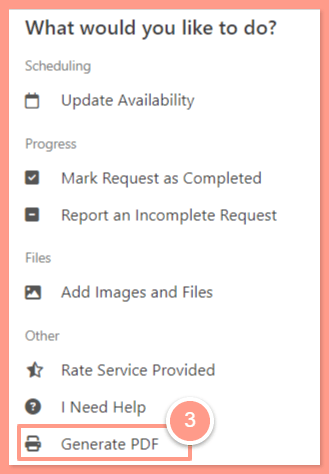
Select Generate PDF
Lastly, select Generate PDF. Depending on your computer settings, it will either download automatically or ask you to save it on your computer.