
New Features
- AI Voice for Vendors — Outbound Calls That Chase Status For You
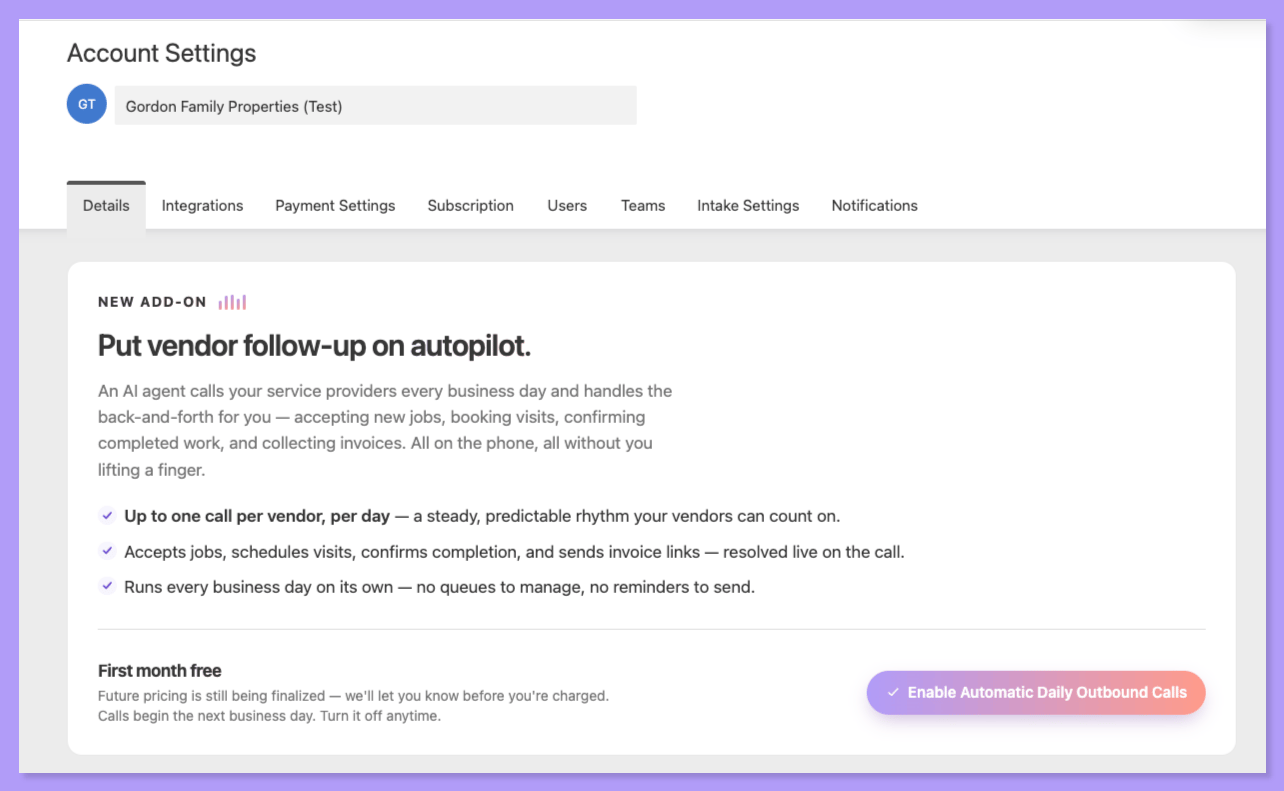
What’s New!We’ve extended AI Voice to outbound vendor calls. You can trigger a call on demand, or set Latchel to call automatically every day:
- Manually trigger an outbound AI voice call to a vendor to chase status on one or more open work orders
- Automate daily calls to a vendor to chase status across their open jobs
- The AI agent takes the same actions a vendor can self-service in their portal — and generates a task for your team when a request falls outside of what it can handle
- Vendors can set their own contact preferences, so outreach lands the way they prefer to be reached
Why This Matters:Status chasing stops living on your team’s to-do list. Instead of your coordinators working a call list, Latchel works it — and you only get pulled in when something actually needs a human decision.
Sign in to your Latchel Account here!
- Clock In / Clock Out and Timesheets for In-House Techs
- Techs can clock out mid-job to note they’re leaving before work is complete, then clock back in when they return
- If a tech forgets to clock out, we default to one hour of logged time — and if they clock out after more than two hours, we add a confirmation step so the record stays accurate
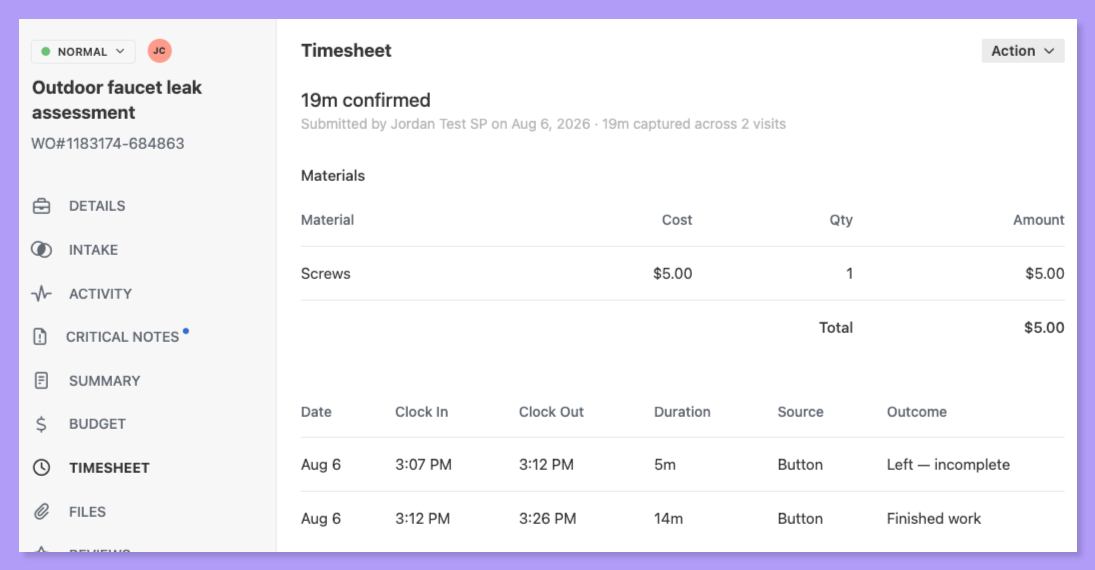
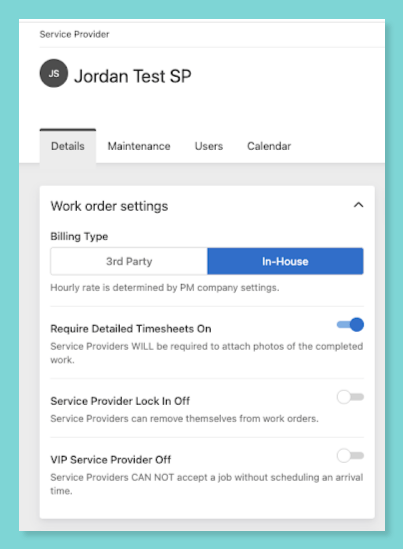
- On work orders where the assigned service provider is an in-house tech, Invoices now appear as Timesheets
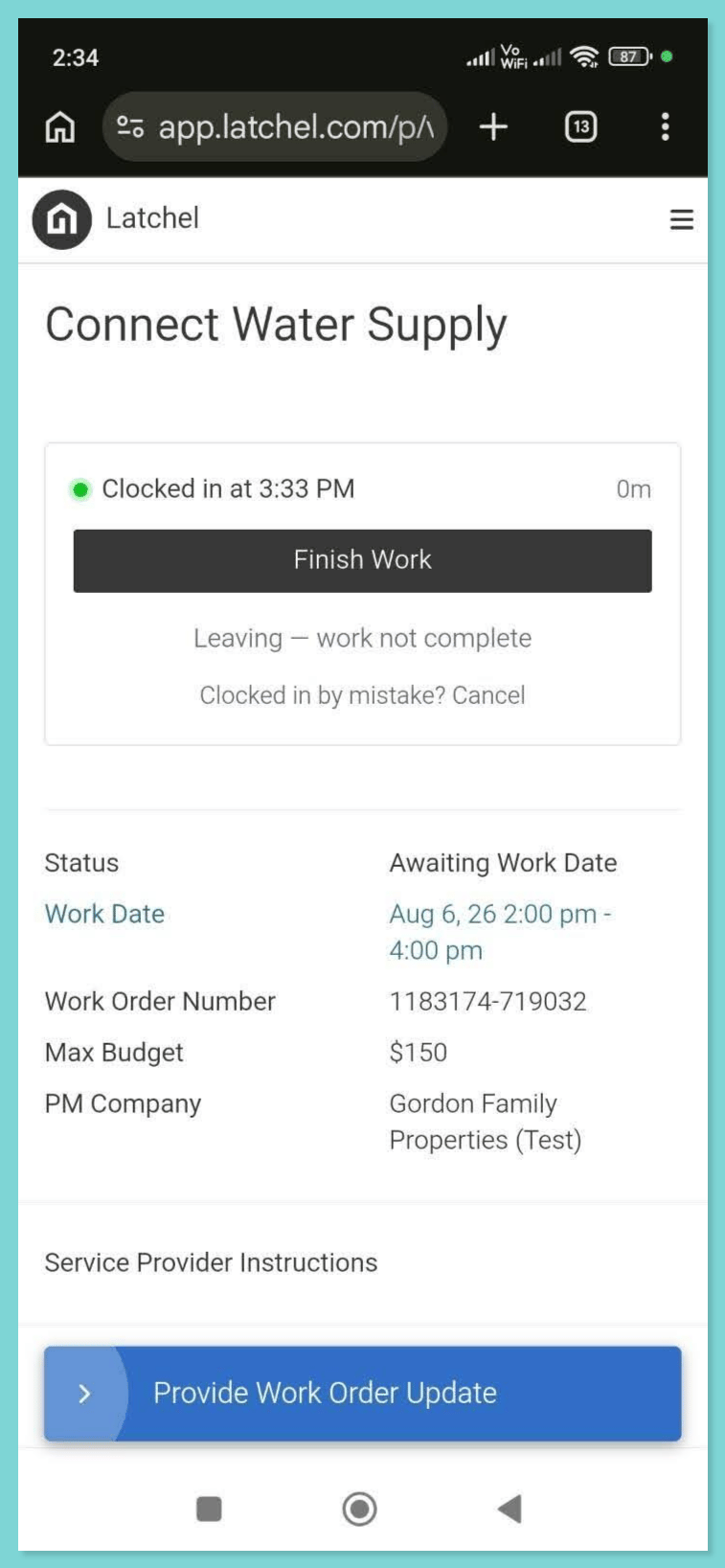
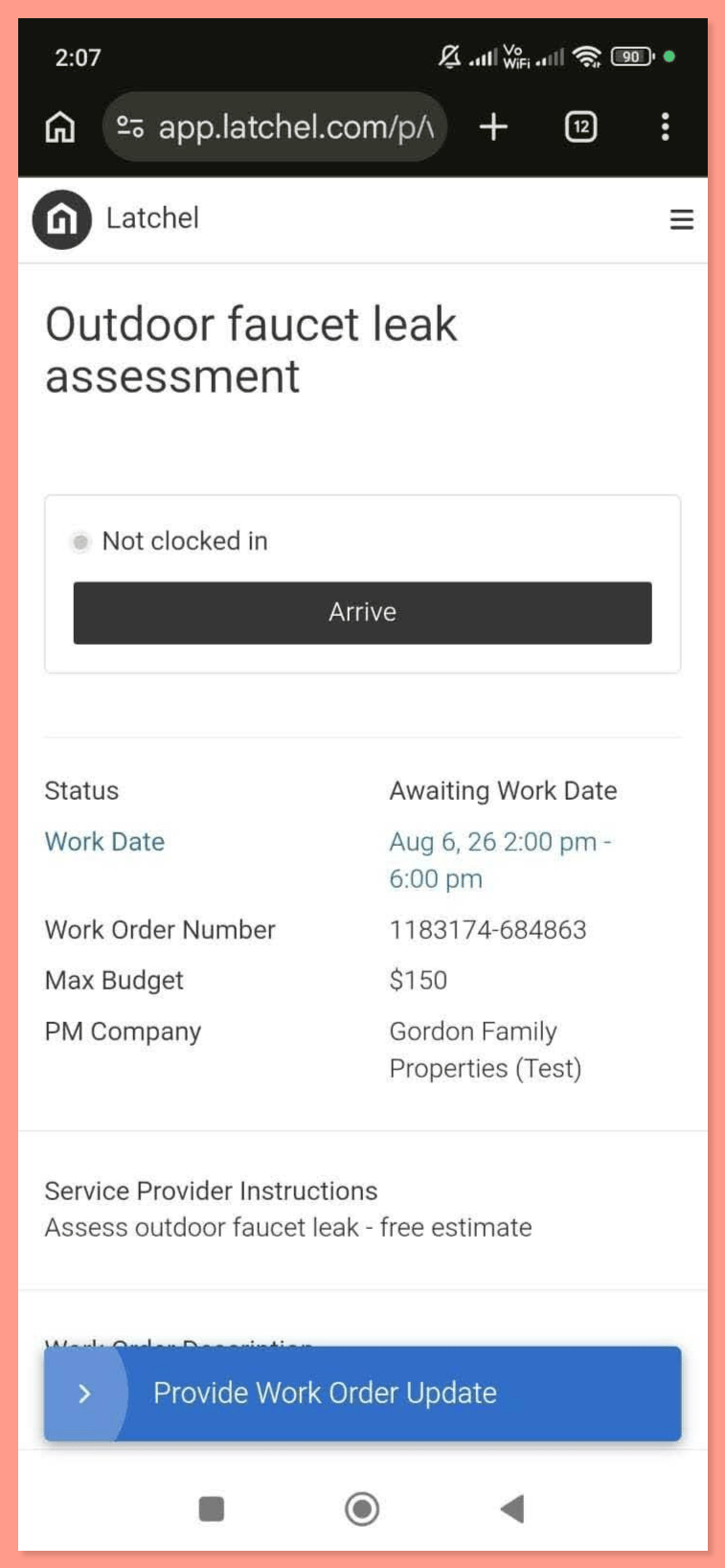
From your side: every visit rolls up on the work order’s Timesheet tab, with clock-in and clock-out times, total time captured across visits, and materials with costs — all in one place.
- Latchel Is Now an Anthropic Community Connector

- Below is the full setup guide for Claude and ChatGPT!
Latchel MCP for AI Assistants
Learn how to setup Latchel’s MCP on AI.
Why This Matters:When an automated text comes from the number residents recognize, their replies land where they can actually be handled — by Latchel’s AI and our team — instead of arriving as stray messages your team has to sort out. Fewer one-off texts hitting your inbox, more conversations resolved for you, and work orders that get updated faster.Your communication number is now used only for texts a PM sends directly. It’s no longer used for any automated message.
What’s Next!This is groundwork for a much bigger change in how messaging works at Latchel — one that will let the platform handle more of the conversation end to end. Stay tuned: that’s our next big feature announcement!
Explore the Latchel API Docs
Resolved Bugs
- On-Call Alert History Is Visible Again
Shoutout!
Shoutout!
Big thanks to Insite Property Solutions for flagging this one!
- API-Created Work Orders Now Complete Diagnostics First
What’s fixed:API-created work orders now run through the full intake and diagnostic flow before they reach you, so they arrive with the details already gathered and don’t stall out along the way. If an API-generated work order ever looks stuck, email success@latchel.com and we’ll take a look.
Special Announcements
Let Latchel Manage Your AppFolio Sync! Keeping your information synchronized between AppFolio and Latchel no longer needs to be something your team manages. Latchel can now run the synchronization on your behalf — no more monitoring the plugin, running syncs manually, or restarting the process after being logged out. With Latchel managing the sync, your team can:- Spend less time monitoring the AppFolio plugin
- Avoid manually initiating syncs
- Reduce interruptions caused by expired sessions or unexpected logouts
- Keep information aligned between AppFolio and Latchel
One Click, 10 Seconds — Rate Our Newsletter
Only one question is required: how valuable is this newsletter to you? Click a number, hit submit. Everything else — favorite feature, what to build next — is optional if you’ve got more to say.Rate it here!
We genuinely want to hear from you!