
New Features
- Improved Duplicate Detection: Multiple Open Job
- True duplicate: A WO submitted for the same issue as another open WO is automatically cancelled as a duplicate
- Potential recall: A WO submitted for the same issue as a WO completed in the last 6 months automatically triggers a recall project
- Shared SP: A new issue that can be handled by the same SP already assigned to another open work order at the property → automatically assigned to that same vendor (they’re notified and can remove themselves if needed)
- Same category, no SP yet: A new issue in the same category as an open job with no SP assigned → new WO stays in Pending until a vendor is assigned on the other job, then auto-assigned to the same SP Less manual coordination, fewer duplicate dispatches, and better vendor continuity — handled for you.
- More Control Over Work Order Budgets
- Your Soft Budget Limit is the ceiling shown to service providers. If a job will exceed it, they contact Latchel for approval before proceeding.
- Your Hard Budget Limit is the maximum Latchel can auto-approve on your behalf. Estimates that land between the soft and hard limits are approved automatically — no notification to you. Anything above the hard limit gets escalated to your team.
- The Approved Budget on an active work order starts at your soft limit — but it can move. It updates if you request a one-off amount for a specific job, or if a vendor submits an estimate that falls under your hard limit and gets auto-approved. Either way, the SP always sees the current approved amount on their end.
What’s New:Here’s where the gap used to be — if a vendor submitted an estimate below your hard budget limit, Latchel would auto-approve it without notifying you, even on jobs you wanted to review closely. The only workaround was lowering the soft limit to $1, but that didn’t stop the auto-approval from happening within the hard limit.Now, Latchel Ops and Property Managers can set a per-WO hard budget limit — think of it as “nothing above this amount is approved on this specific work order, no matter what.” Any estimate over that threshold will require explicit approval before it moves forward, overriding the auto-approve behavior for that job.
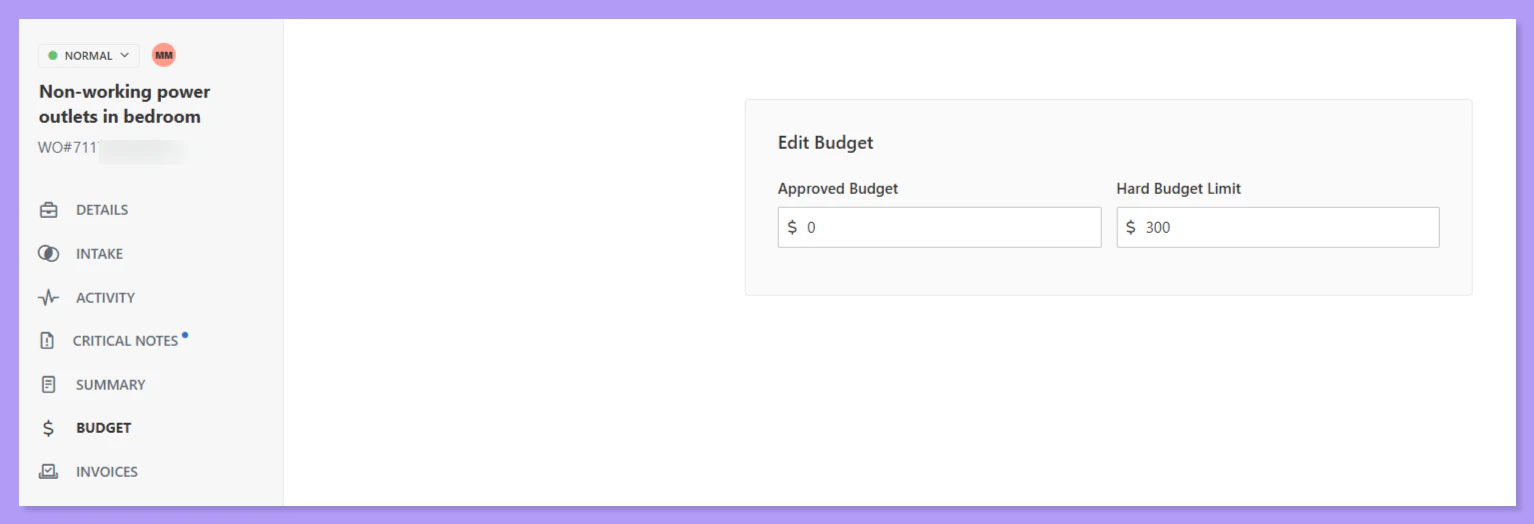
How to Customize Work Order Budget Limits
Adjust the budget threshold that triggers the approval requirements on work orders.
How to Update the Budget Limit on an Active Work Order
Edit the budget for ongoing work based on new estimates and changes.
- Generic Intake: Non-Maintenance Help Path Now Live for All Customers
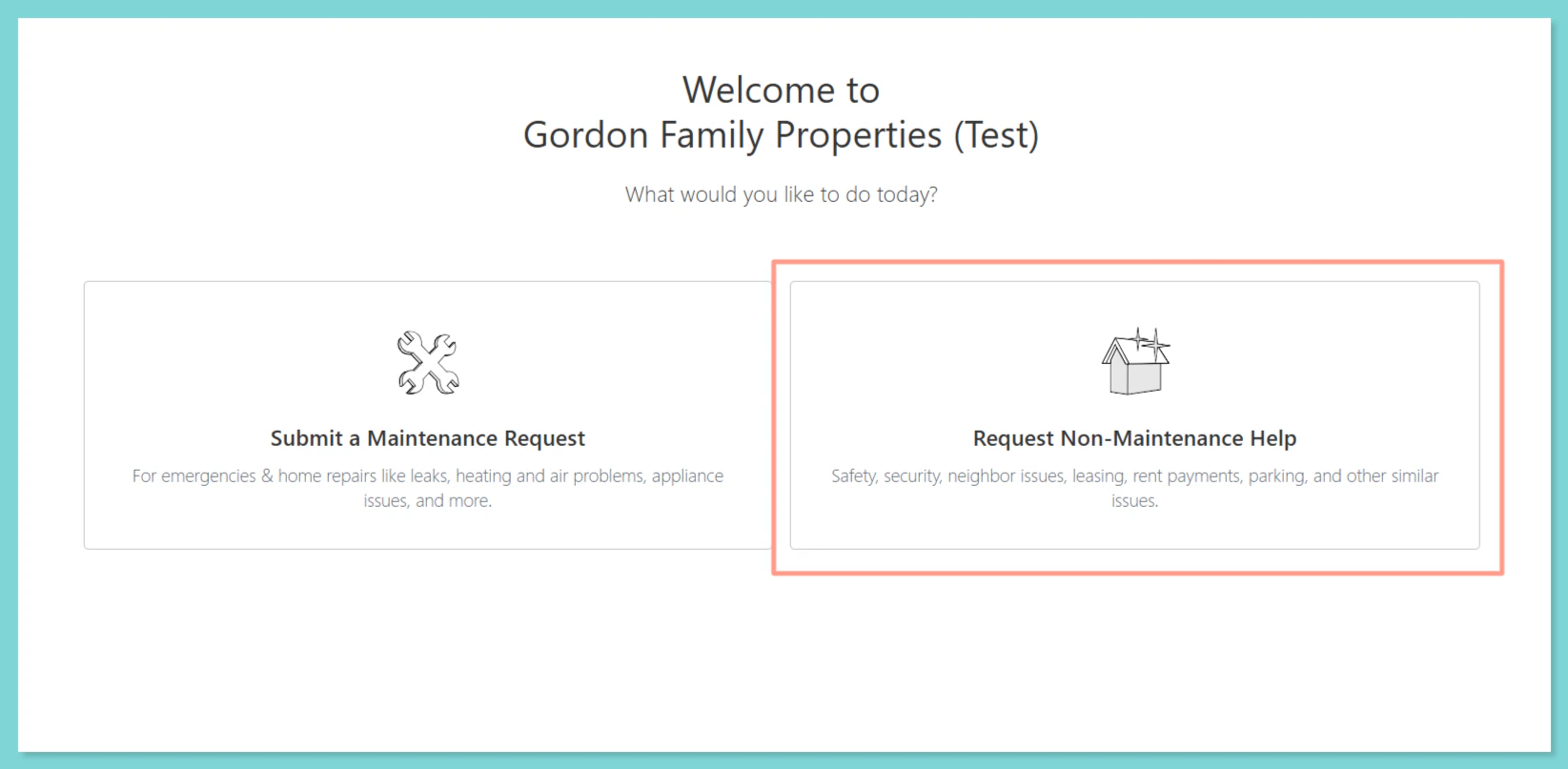
A few things to know:
- If you don’t want this path shown to your residents, reach out to success@latchel.com to opt out
- You can create custom rules in your Intake Settings to route non-maintenance requests to specific team inboxes or contacts
- PM User Replacement Prompt When Disabling a User
- Appfolio: Work Orders Now Sync Every 15 Minutes
How to Install the Latchel Data Sync Extension
Follow these steps to download and install the Latchel Data Sync Extension on your system.
Special Announcements
Subscription Billing Update — No Action Needed We’ve made a small behind-the-scenes update to our billing system to improve how invoices are generated and aligned across the billing period.What stays exactly the same for you:
- You’ll still receive your invoice on the 10th, just like always
- Your payment due dates remain unchanged