
Schedule Now
Click Schedule Now
From the work order page click Schedule Now located at the top right corner.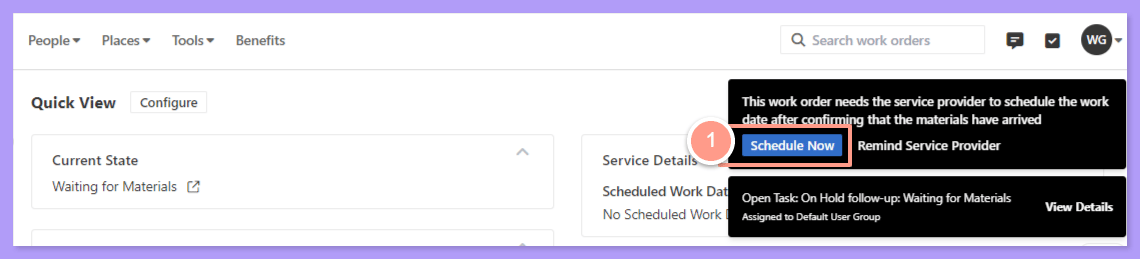
Adjust the work date and submit
Adjust the date and time of the work date if needed, then hit Submit.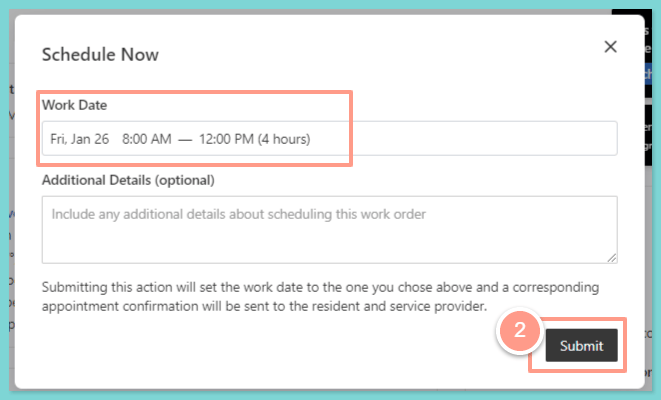
Remind Service Provider
Click Remind Service Provider
If you have no idea about the availability of the service provider, click the Remind Service Provider on the upper right corner of the page.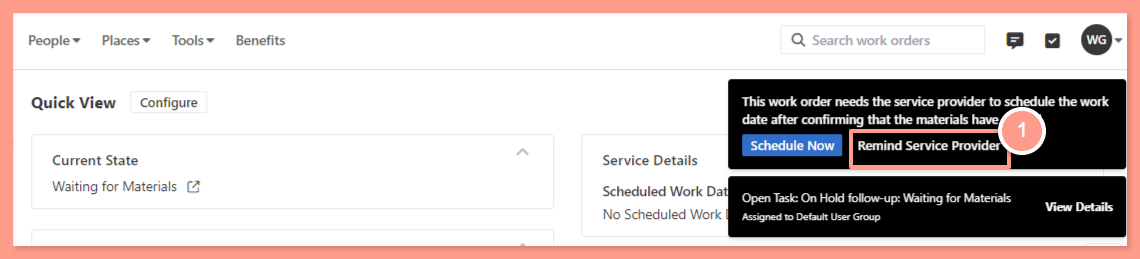
Add details and click Send
From here you could add some additional details, or just hit the Send button.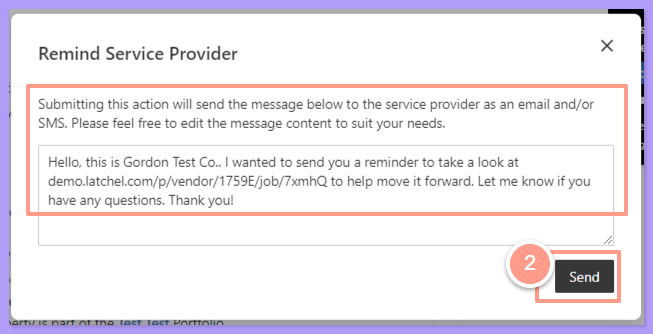
How to Update the Resident's Availability
Grant the service provider access, remind the resident, or add another schedule for the resident.